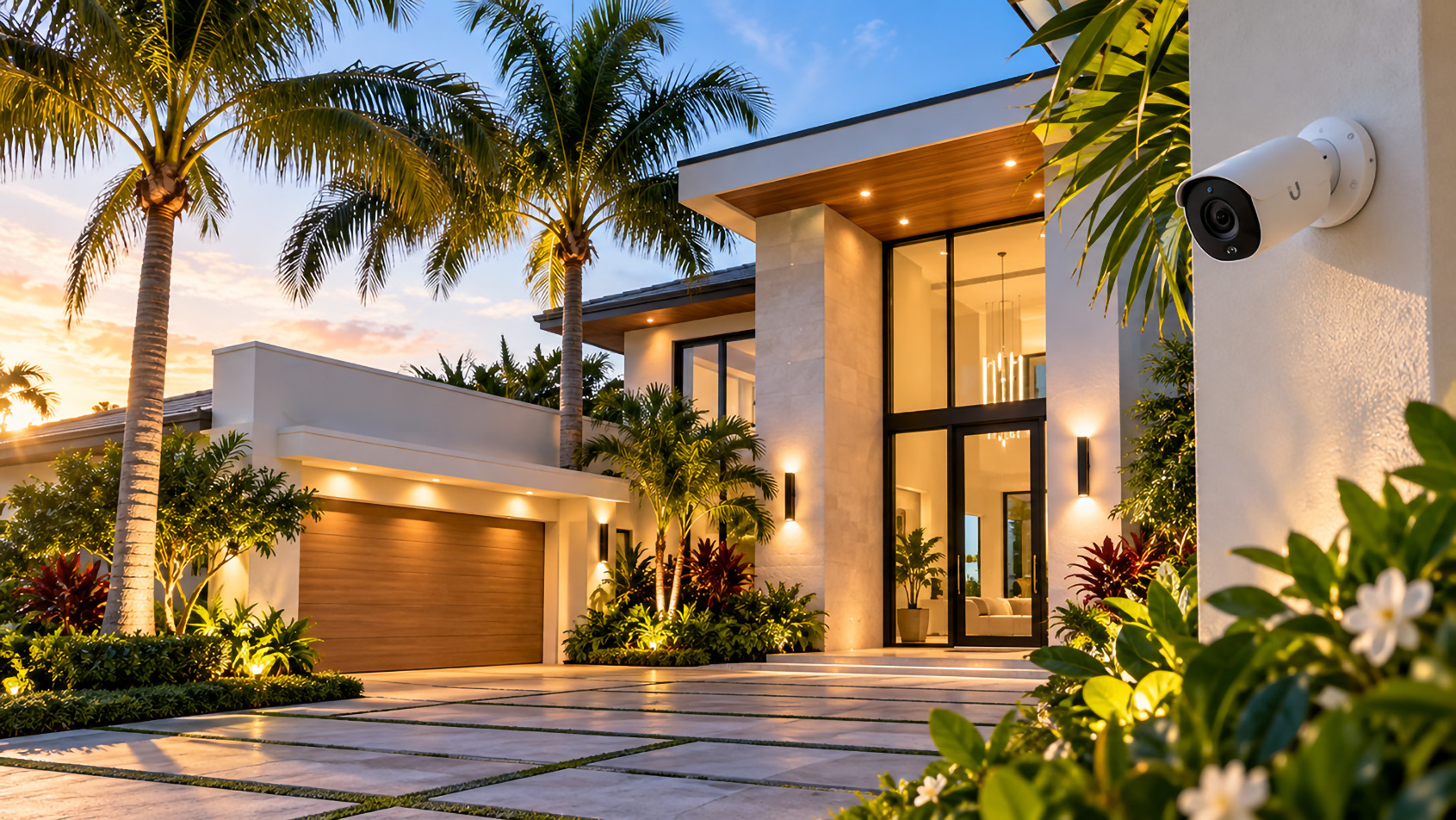
Returning to South Florida for the Season? Your Home Technology May Need Attention
Every year, thousands of seasonal residents return to their homes in Jupiter, Jupiter Island, Tequesta, Palm Beach Gardens, and throughout Palm Beach County. After spending the summer months away, there’s plenty to do to prepare a Florida residence for another season.
Air conditioning systems are inspected, landscaping is refreshed, pools are serviced, and homes are prepared for family and guests. But one important part of the property is frequently overlooked: the home’s Wi-Fi network, security cameras, and connected technology.
Technology changes quickly. Equipment that performed adequately several years ago may struggle with today’s connected devices, streaming services, security systems, and smart home automation.
For homeowners returning to South Florida, the beginning of the season is an excellent opportunity to evaluate whether their home networking and security equipment is still meeting their needs.
At SurfNet, we help homeowners throughout Palm Beach County improve network reliability, wireless coverage, and connected home infrastructure through professional installation, troubleshooting, and technology upgrades.
1. Your Home Wi-Fi Network May Be Outdated
Many seasonal homeowners continue using the same wireless router and networking equipment installed five, seven, or even ten years ago.
While that equipment may still function, it doesn’t necessarily mean it’s delivering the performance, coverage, or security that modern households require.
Today’s homes have considerably more connected devices than they did just a few years ago.
- Smart televisions and streaming devices
- iPhones, iPads, laptops, and desktop computers
- Wireless security cameras and video doorbells
- Smart thermostats and lighting systems
- Connected appliances and home automation equipment
- Smart locks, garage doors, and access control systems
- Outdoor entertainment systems and pool equipment
Each device places additional demands on the network. Older routers may struggle to maintain consistent connections, particularly when numerous devices are operating simultaneously.
Signs Your Wi-Fi Equipment May Need Upgrading
- Wi-Fi connections frequently disconnect or become unreliable.
- Internet speeds are noticeably slower in certain rooms.
- Streaming television buffers or loses picture quality.
- Security cameras periodically go offline.
- Outdoor patios, garages, and guest areas have weak signals.
- Your router no longer receives manufacturer security updates.
- Your internet provider has upgraded your service, but your wireless performance hasn’t improved.
Important: Paying for faster internet doesn’t automatically mean you’ll experience faster Wi-Fi throughout your home. Your router, access points, wiring, and network configuration all affect the performance you receive.
SurfNet provides professional Wi-Fi installation and network troubleshooting in Jupiter, FL to help homeowners identify and correct these problems.
2. Large Florida Homes Present Unique Wi-Fi Challenges
Homes throughout Jupiter Island, Jupiter, and Palm Beach Gardens often feature architectural characteristics that can make reliable wireless coverage more difficult.
Concrete block construction, reinforced walls, expansive floor plans, multiple stories, detached garages, and outdoor living spaces can all interfere with wireless signals.
A single wireless router placed inside an office or utility closet may not provide sufficient coverage throughout the entire property.
Common Coverage Problems in South Florida Homes
- Concrete construction: Dense walls and reinforced building materials can weaken wireless signals.
- Large floor plans: A single router may not reach distant bedrooms, offices, or entertainment areas.
- Multiple floors: Wireless signals may not travel effectively between levels.
- Outdoor living areas: Patios, pools, docks, and outdoor kitchens may require dedicated wireless coverage.
- Guest houses and detached structures: Separate buildings may need additional networking infrastructure.
- Equipment placement: Routers hidden inside cabinets or surrounded by electronics may experience reduced performance.
For larger residences, the solution often involves installing multiple strategically positioned wireless access points rather than relying on one consumer-grade router.
SurfNet specializes in luxury home Wi-Fi and network installation in Jupiter and Jupiter Island, designing systems around the property’s construction, layout, and coverage requirements.
3. Why Ubiquiti UniFi Is an Excellent Choice for Modern Home Networking
For homeowners interested in improving their network infrastructure, Ubiquiti UniFi offers a professional networking platform designed to support demanding residential and commercial environments.
Unlike many traditional consumer routers, UniFi systems can combine network gateways, managed switches, wireless access points, and security cameras within an integrated ecosystem.
This makes UniFi particularly attractive for larger homes, properties with extensive outdoor areas, and homeowners who want reliable networking without managing several unrelated systems.
Advantages of a Professionally Installed UniFi Network
- Whole-home wireless coverage: Multiple access points can provide more consistent coverage across large properties.
- Centralized management: Compatible networking equipment can be monitored and configured through the UniFi management platform.
- Improved network organization: Separate networks can be configured for homeowners, guests, and smart home devices.
- Wired access points: Ethernet-connected access points can deliver more consistent performance than wireless repeaters.
- Expandable infrastructure: Additional access points, switches, and compatible equipment can be incorporated as requirements change.
- Security features: Supported gateways offer firewall controls, network segmentation, and additional security capabilities.
- Remote administration: Authorized administrators can monitor and manage compatible systems remotely when properly configured.
For seasonal residents, remote network management can be especially useful.
When a properly configured system experiences connectivity problems, an authorized technician may be able to investigate certain issues remotely rather than requiring an immediate visit to the property.
However, remote management is not a substitute for reliable equipment, proper installation, or occasional on-site maintenance.
Professional Installation Makes a Difference
Simply purchasing professional networking equipment doesn’t guarantee professional results.
Access point placement, Ethernet cabling, wireless channel selection, network configuration, and security settings all influence performance.
A properly designed system considers the size of the residence, building materials, connected devices, outdoor coverage requirements, and the homeowner’s internet service.
For many installations, professional Ethernet and network cabling provides the reliable foundation needed to support multiple wireless access points and connected security equipment.
4. Are Your Home Security Cameras Still Doing Their Job?
Security cameras are particularly important for seasonal homeowners who spend several months each year away from their Florida residences.
Many homeowners rely on their cameras to check on the property, monitor deliveries, observe activity around entrances, and maintain awareness of their surroundings while traveling.
Unfortunately, older camera systems may have limitations that become increasingly noticeable over time.
Common Problems With Aging Security Camera Systems
- Low-resolution video that makes identifying details difficult
- Poor nighttime image quality
- Unreliable wireless connections
- Frequent camera disconnections
- Outdated recording equipment
- Limited storage capacity
- Unreliable mobile notifications
- Unsupported software or missing security updates
- Difficulty accessing camera footage remotely
A camera that occasionally displays an image isn’t necessarily providing the level of monitoring a homeowner expects.
For example, a system might appear to function normally during the day but produce inadequate nighttime footage or fail to retain recordings when they’re needed.
Homeowners should periodically verify that their cameras are recording correctly, timestamps are accurate, and remote viewing works as expected.
SurfNet offers professional security camera installation in Jupiter, FL, including wired surveillance systems, local recording, and modern camera technology.
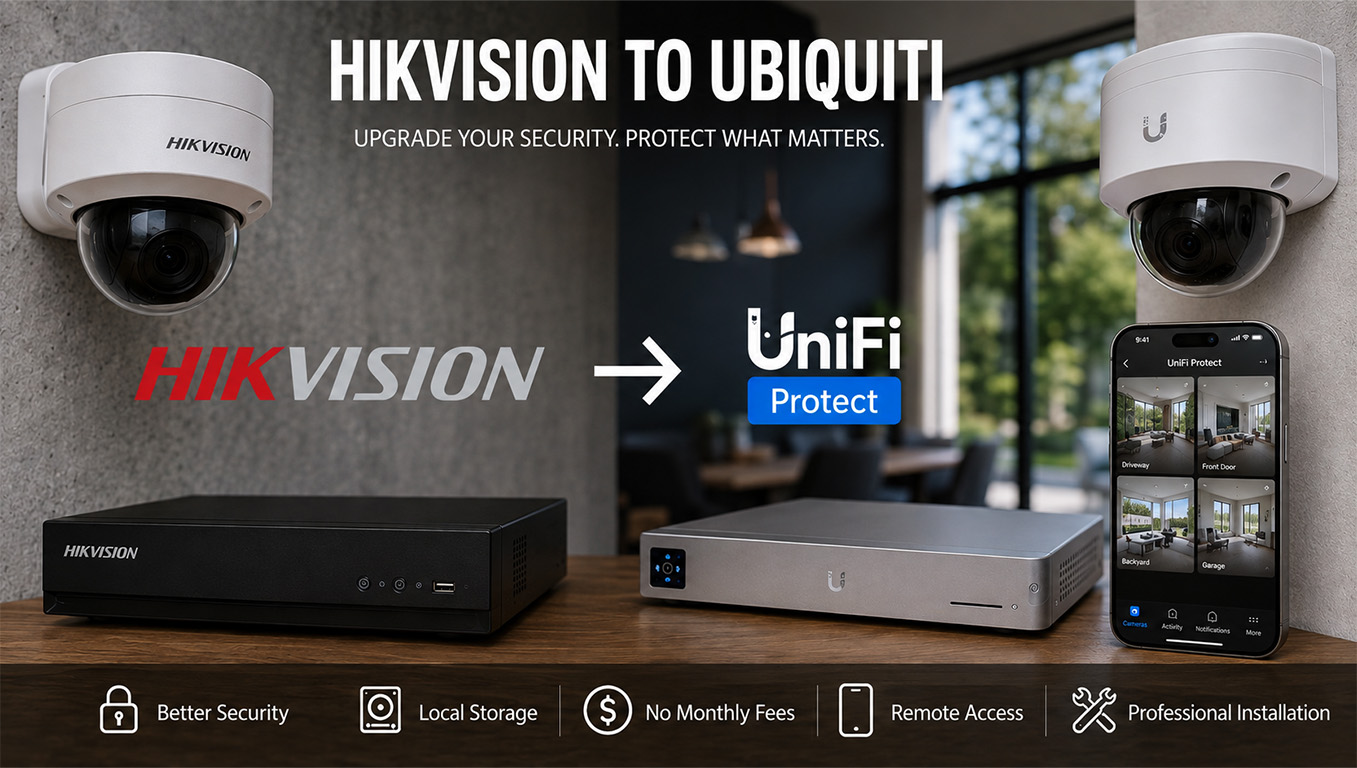
5. Modern Security Cameras and UniFi Protect
For properties that would benefit from a more integrated surveillance system, Ubiquiti UniFi Protect is one option worth considering.
UniFi Protect combines compatible security cameras, recording hardware, and management software within the broader UniFi ecosystem.
Depending on the equipment selected, a modern UniFi Protect installation can provide:
- High-resolution video recording
- Improved nighttime monitoring capabilities
- Motion and supported smart detection features
- Local video recording and storage
- Remote viewing through supported applications
- Centralized management of compatible cameras
- Power over Ethernet (PoE) connectivity for supported wired cameras
- Expandable camera coverage as property requirements change
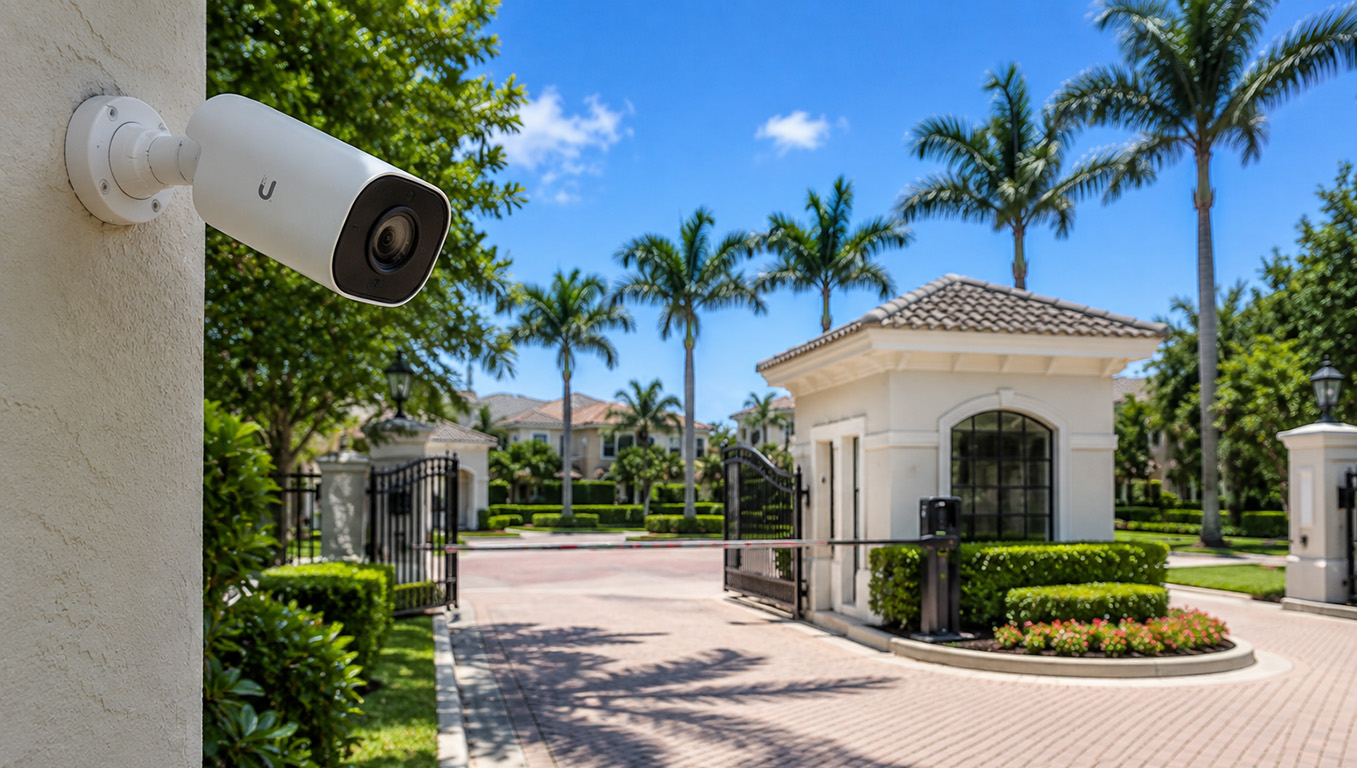
One particularly useful advantage is the ability to use wired PoE cameras.
Instead of relying on wireless connectivity and individual power adapters, compatible PoE cameras receive power and network connectivity through an Ethernet cable connected to appropriate networking equipment.
This can provide a more dependable connection for cameras installed around larger properties.
Of course, camera placement matters just as much as camera specifications.
Entrances, driveways, garages, side yards, gates, and other important areas should be evaluated to determine where cameras can provide useful coverage while respecting privacy and applicable laws.
Special Considerations for Waterfront Properties
Homes along the Intracoastal Waterway, Loxahatchee River, and Jupiter Island coastline face additional challenges involving salt air, humidity, exposed equipment, and long distances between structures.
Camera systems installed near docks, seawalls, gates, and waterfront entrances should be selected and positioned with these environmental conditions in mind.
Learn more about SurfNet’s approach to security camera installation for waterfront homes in Jupiter.
For seasonal homeowners, the goal isn’t simply installing more cameras. It’s designing a system that provides dependable monitoring of the areas that matter most.
6. Your Smart Home Is Only as Reliable as the Network Supporting It
Modern Florida homes increasingly rely on connected technology for convenience, comfort, and security.
Smart thermostats, automated lighting, connected locks, security systems, and entertainment equipment often depend on a stable home network.
When that network becomes unreliable, seemingly unrelated devices may begin experiencing problems.
For example:
- A smart thermostat may become unavailable for remote control.
- A video doorbell may stop sending notifications.
- Smart lighting may respond inconsistently.
- Streaming televisions may experience buffering.
- Connected locks or garage systems may lose remote connectivity.
- Security cameras may become inaccessible from outside the home.
Some smart home devices use Wi-Fi, while others rely on technologies such as Thread, Zigbee, Z-Wave, or dedicated hubs. Not every problem is caused by Wi-Fi itself.
However, the home’s internet connection and network infrastructure frequently play an important role in keeping these systems accessible and operating properly.
SurfNet also provides home automation and smart home installation in Jupiter, FL, helping homeowners integrate connected systems into reliable network environments.
7. What Happens to Your Network While You’re Away?
Seasonal homeowners often assume that if their internet connection is active, their home technology is functioning normally.
Unfortunately, that’s not always the case.
During an extended absence, a property may experience:
- Power interruptions or electrical surges
- Internet service outages
- Router or networking equipment failures
- Disconnected security cameras
- Failed storage drives or recording equipment
- Changes to internet provider equipment
- Outdated firmware or security vulnerabilities
Some problems can remain unnoticed until the homeowner returns.
For example, a security camera system may appear accessible through its mobile application even though one or more cameras have stopped recording.
Similarly, a router may continue providing basic internet access despite outdated firmware or configuration issues.
Consider Backup Power for Critical Networking Equipment
Another consideration for Florida homeowners is protecting essential networking equipment from brief power interruptions.
An appropriately sized uninterruptible power supply (UPS) can help keep compatible networking equipment operating during short outages.
However, backup power does not guarantee continued internet service. The internet provider’s equipment and upstream infrastructure must also remain operational.
For homeowners who depend heavily on remote monitoring, cellular internet failover may also be worth evaluating.
These options should be selected based on the property’s actual requirements rather than assuming every home needs the same equipment.
8. Your Seasonal Florida Home Technology Checklist
Before settling in for another season, consider reviewing the following items.
Wi-Fi & Networking
- Check the age and support status of your wireless router.
- Test Wi-Fi coverage throughout the home.
- Verify connectivity in outdoor living areas.
- Confirm that your internet speeds are appropriate for your service plan and equipment.
- Check whether your networking equipment has current firmware.
- Review guest Wi-Fi access and network security settings.
- Identify devices that frequently disconnect.
Security Cameras
- Confirm every camera is online and functioning.
- Review daytime and nighttime image quality.
- Verify that recordings are being saved correctly.
- Test remote viewing from outside the home network.
- Check motion detection and notification settings.
- Inspect exposed camera wiring and mounting hardware.
- Confirm that recording storage is operating properly.
Smart Home & Connected Devices
- Test smart thermostats and remote access.
- Verify connected locks and garage controls.
- Check smart lighting and automation systems.
- Confirm televisions and streaming devices connect reliably.
- Review connected devices that are no longer needed.
- Check critical equipment for available security updates.
Equipment & Infrastructure
- Inspect networking equipment for overheating or physical damage.
- Check the condition of accessible Ethernet cabling.
- Verify that network switches and access points are operating normally.
- Review surge protection and backup power equipment.
- Identify outdated or unsupported hardware.
This checklist can help homeowners identify obvious issues, but more complex networking problems may require professional testing and evaluation.
9. Why Fall Is an Ideal Time to Upgrade Your Home Network
October and November mark the beginning of the busy seasonal period throughout many Palm Beach County communities.
For returning homeowners, this is an ideal time to address networking and security camera concerns before holiday gatherings, visiting family members, and increased household activity place additional demands on connected technology.
Scheduling upgrades early also allows time to evaluate existing infrastructure, select appropriate equipment, and complete installation before the busiest part of the season.
Not every property needs a complete network replacement.
In some cases, repositioning an access point, correcting configuration problems, updating supported equipment, or adding coverage in a specific area may resolve the issue.
Other properties may benefit from replacing aging networking hardware with a professionally designed system.
The appropriate solution depends on the property’s layout, existing infrastructure, connected devices, and the homeowner’s expectations.
10. Professional Home Wi-Fi and Security Camera Installation in Palm Beach County
SurfNet provides technology and networking assistance for residential and business customers throughout the Jupiter area and surrounding Palm Beach County communities.
For homeowners returning to Florida for the season, professional network services can help address issues involving:
- Home Wi-Fi coverage and performance
- Wireless network upgrades and troubleshooting
- Ubiquiti UniFi networking equipment
- Wireless access point installation and configuration
- Network switches and connected infrastructure
- Security camera systems and network connectivity
- Smart home network reliability
- Guest networks and network security
- Existing network assessments and equipment upgrades
Whether you live in Jupiter, Jupiter Island, Tequesta, Palm Beach Gardens, or another nearby Palm Beach County community, reliable networking is an important part of maintaining a modern connected home.
Explore SurfNet’s Wi-Fi, networking, and technology services throughout Palm Beach County to learn more about our professional installation capabilities.
11. Prepare Your Florida Home for a More Connected Season
Returning to your Florida residence should mean enjoying the season, not troubleshooting unreliable Wi-Fi, disconnected cameras, or outdated networking equipment.
A properly designed home network provides the foundation for streaming entertainment, connected devices, smart home technology, and dependable access to security systems.
For seasonal homeowners, investing in reliable infrastructure can also make it easier to maintain awareness of their property while traveling or spending time away.
Before another season begins, consider whether your existing Wi-Fi and security camera systems are still providing the coverage, performance, and reliability your home requires.
Is Your Florida Home’s Wi-Fi & Security Ready for the Season?
Returning to your Jupiter, Jupiter Island, or Palm Beach County home? SurfNet provides professional Wi-Fi upgrades, UniFi networking, and security camera solutions to keep your property connected and protected.
We provide professional IT support, network installation and technology services throughout Palm Beach County, including Jupiter, Tequesta, Palm Beach Gardens, Palm Beach and West Palm Beach.