
Fast Internet Doesn’t Always Mean Fast WiFi
If you pay for fast internet but still deal with buffering, dropped connections, dead zones, or WiFi that seems painfully slow in certain parts of your home, your internet provider may not be the problem at all.
In many Jupiter homes, the internet connection coming into the house is actually very fast. The problem is getting that connection reliably throughout the entire property.
At SurfNet, we provide professional home WiFi installation in Jupiter, FL, helping homeowners throughout Jupiter, Tequesta, Jupiter Island, and Palm Beach County diagnose and solve wireless networking problems. Large homes, concrete construction, outdoor living areas, security cameras, smart-home devices, and dozens of connected devices can all create challenges that a basic router or consumer mesh system wasn’t designed to handle.
Your Internet May Be Fast — Your WiFi Can Still Be Terrible
One of the biggest misconceptions about home internet is that internet speed and WiFi speed are the same thing.
They’re not.
Your internet provider — whether that’s Xfinity, AT&T Fiber, Starlink, or another provider — delivers an internet connection to your home. Your router and WiFi equipment are responsible for distributing that connection throughout the property.
You could have a gigabit internet plan and still have terrible WiFi in your bedroom, office, garage, patio, or guest house.
That’s why simply upgrading to a faster internet package often doesn’t solve the problem. If the network inside the home isn’t properly designed, you’re essentially delivering more speed to the same bottleneck.
Why Jupiter Homes Can Be Difficult for WiFi
South Florida homes can present some unique challenges for wireless networks.
Many homes throughout Jupiter and the surrounding area are larger than the typical home that consumer WiFi equipment is designed around. It’s also common to have CBS and concrete construction, multiple floors, impact windows, garages, guest houses, outdoor living spaces, pools, docks, security cameras, smart TVs, and an increasing number of connected devices.
Every wall, floor, appliance, piece of equipment, and distance between you and an access point can affect the wireless signal.
In a smaller wood-frame home, a single wireless router may provide acceptable coverage. In a large Jupiter home built with concrete and block, expecting one router to cover the entire property can be unrealistic.
For larger properties, SurfNet specializes in luxury home WiFi and network installation in Jupiter and Jupiter Island, designing systems around the actual layout and construction of each home.
Concrete and CBS Construction Can Kill WiFi Signals
WiFi signals don’t pass through every building material equally.
Drywall is relatively easy for a wireless signal to penetrate. Concrete, concrete block, reinforced walls, metal, and other dense materials can dramatically reduce signal strength.
This is one reason you may have excellent WiFi in one room and almost nothing on the other side of a wall.
Adding a WiFi extender isn’t always the answer, either. An extender needs a good signal to begin with. If it’s repeating a weak connection, you can end up extending poor performance rather than fixing it.
One Router Isn’t Always Enough for a Large Home
Router manufacturers love to advertise enormous coverage numbers, but real homes aren’t empty warehouses.
Walls, furniture, appliances, construction materials, interference, and the physical layout of the property all affect coverage.
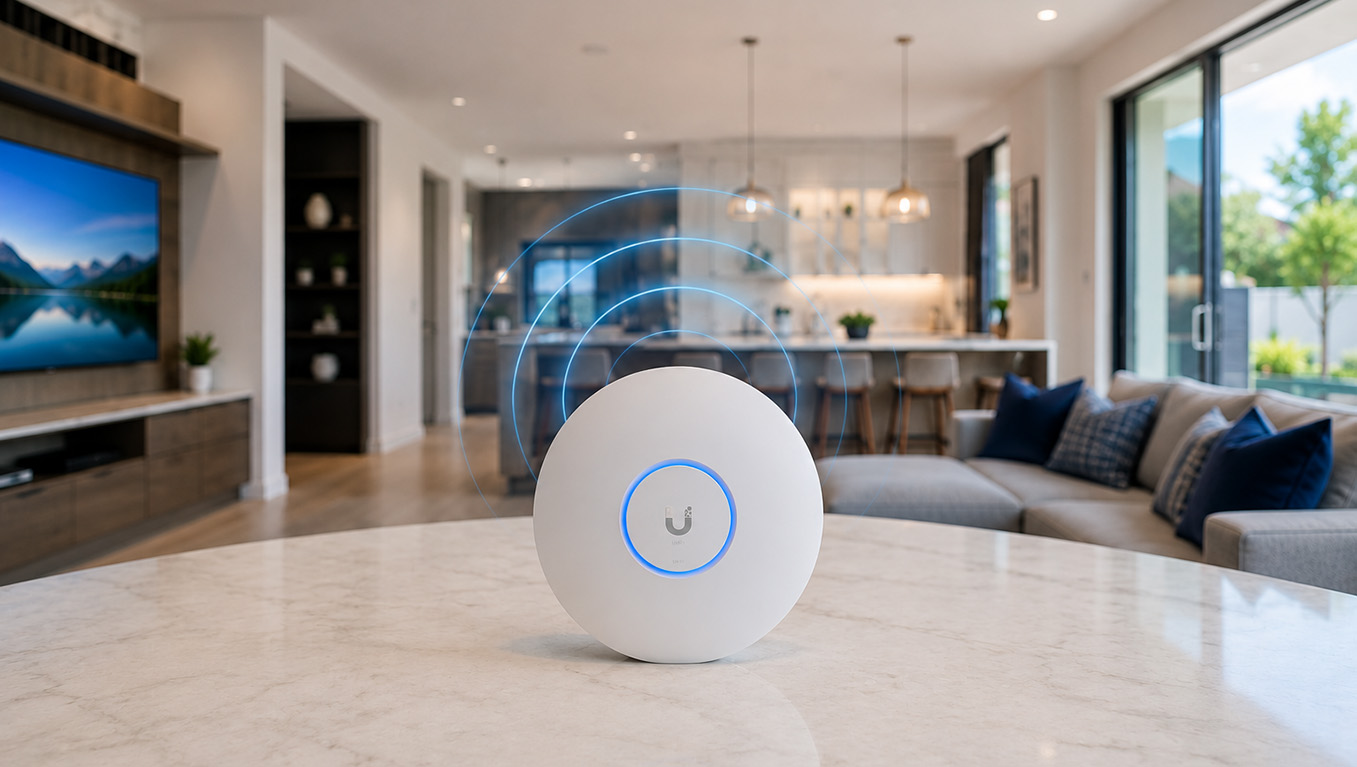
For larger homes, the better solution is often multiple properly positioned wireless access points working together as one network.
Instead of trying to blast a WiFi signal from one side of the house to the other, access points distribute coverage throughout the property so your devices can connect to a strong signal closer to where they’re actually being used.
Mesh WiFi vs. Professional Wireless Access Points
Consumer mesh systems such as eero, Google Nest WiFi, and similar products can work very well in the right home. They’re relatively easy to install and can significantly improve coverage compared with a single router.
But there is a difference between adding several wireless mesh nodes and designing a network around properly placed access points.
Whenever possible, professional network installations use wired Ethernet connections — often called a wired backhaul — to connect access points to the network. This allows each access point to communicate directly with the network rather than relying entirely on another wireless device.
SurfNet provides professional Ethernet and network cabling installation in Jupiter, creating the wired infrastructure needed to support reliable wireless access points throughout larger homes.
For larger or more demanding properties, systems such as Ubiquiti UniFi provide significantly more control over access points, network traffic, connected devices, guest networks, security, cameras, and future expansion.
More WiFi Equipment Doesn’t Necessarily Mean Better WiFi
It sounds logical: if one access point is good, five must be better.
Not necessarily.
Wireless networks need to be designed correctly. Too many access points, poor placement, overlapping channels, excessive transmit power, and interference can actually make a network perform worse.
A properly designed WiFi system considers the size and construction of the property, where people actually use their devices, where wired connections are available, neighboring wireless networks, and which areas require the strongest coverage.
The goal isn’t to install the most equipment. It’s to install the right equipment in the right locations.
Don’t Forget About WiFi Outside the House
In Jupiter, WiFi coverage often needs to extend well beyond the living room.
Homeowners may want reliable wireless coverage around the pool, patio, outdoor kitchen, garage, driveway, dock, backyard, or detached guest house.
Trying to push an indoor WiFi signal through an exterior concrete wall and across a backyard usually isn’t the best solution.
Outdoor-rated access points can be strategically installed to provide dedicated wireless coverage where it’s actually needed while becoming part of the same network used inside the home.
Cameras and Smart-Home Devices Are Changing Home Networks
The average home network is being asked to do far more than it did just a few years ago.
Phones and computers are only part of the picture. Today’s network may also be supporting televisions, streaming devices, thermostats, doorbells, security cameras, speakers, appliances, lighting systems, shades, pool equipment, access-control systems, and dozens of other connected devices.
Security cameras are particularly important because they may be transmitting data around the clock. Many homeowners are upgrading to professionally installed security camera systems in Jupiter that use reliable wired connections and local recording rather than depending entirely on wireless connectivity.
As more devices are added, the quality of the network infrastructure becomes increasingly important. A network that worked perfectly well for a handful of devices may struggle once a home becomes heavily connected.
For homeowners planning a fully connected property, SurfNet also provides home automation and smart home installation in Jupiter, FL, integrating networking, security, lighting, and other connected systems into a reliable technology infrastructure.
When Should You Consider a Ubiquiti UniFi Network?
Not every home needs a professional UniFi installation.
But UniFi becomes particularly attractive for larger homes, properties requiring several access points, homes with extensive security cameras, outdoor coverage requirements, guest networks, multiple wired devices, or homeowners who simply want a network designed to be reliable and expandable.
A UniFi system can bring routing, switching, WiFi access points, network management, cameras, recording, and other network services into a unified ecosystem.
For the right property, that provides a level of visibility and control that’s difficult to achieve with basic consumer networking equipment.
Before You Upgrade Your Internet, Find the Actual Problem
If your WiFi is slow, don’t automatically assume you need a faster internet plan.
The first step should be determining where the slowdown is occurring.
If a computer connected directly to your router receives excellent speeds while your phone gets poor performance in another room, buying more internet speed probably isn’t going to solve the problem.
The issue could be WiFi coverage, interference, router placement, outdated equipment, cabling, configuration, or simply a network that wasn’t designed for the size and construction of the home.
Finding the actual bottleneck before replacing equipment can save a lot of frustration — and money.
Professional Home WiFi Installation in Jupiter, FL
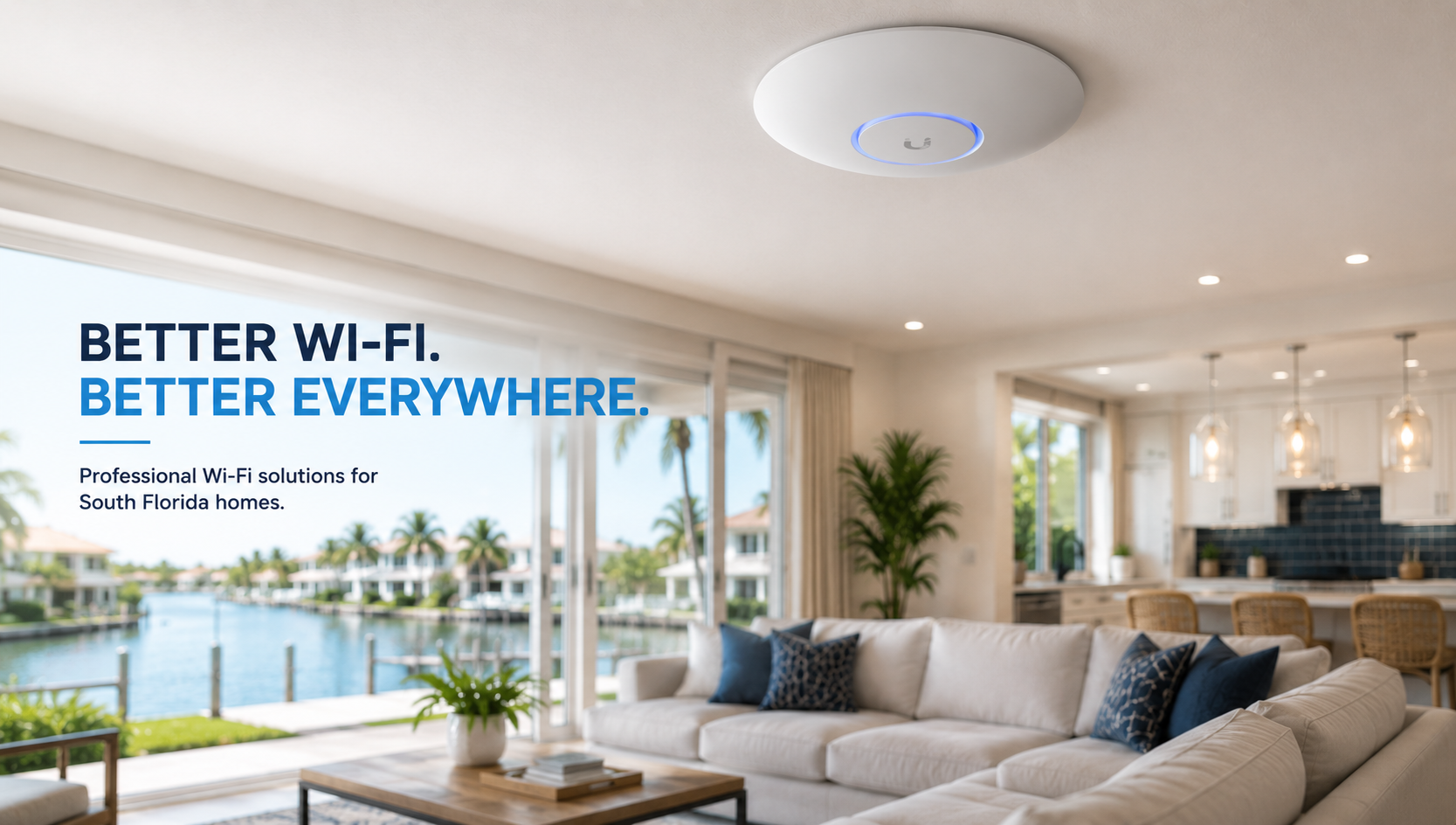
SurfNet designs, installs, upgrades, and troubleshoots home WiFi and network systems throughout Jupiter, Jupiter Island, Tequesta, and surrounding Palm Beach County communities.
We can help with slow WiFi, dead zones, whole-home coverage, outdoor WiFi, network wiring, access points, Ubiquiti UniFi systems, security camera networking, Starlink and Xfinity network integration, and upgrades to existing home networks.
Sometimes the solution is relatively simple. Other properties need a complete network designed around the home itself. Either way, the objective is the same: fast, reliable WiFi where you actually need it.
Learn more about our professional WiFi installation and network solutions in Jupiter, or contact SurfNet to discuss the WiFi problems you’re experiencing in your home.
Frequently Asked Questions About Home WiFi
Why is my internet fast but my WiFi slow?
Your internet connection and your WiFi network are two different things. You may have a very fast connection entering your home, but distance, walls, interference, router placement, or inadequate WiFi equipment can reduce performance before that connection reaches your device.
Do WiFi extenders really work?
They can help in certain situations, but they’re not always the best solution. An extender needs a usable wireless signal to repeat. For larger homes, properly positioned access points — particularly when connected by Ethernet — can provide a more reliable solution.
How many WiFi access points does my house need?
There isn’t a universal answer based solely on square footage. Construction materials, floor plan, number of floors, desired outdoor coverage, access-point placement, and how the network is used all matter.
Is Ubiquiti UniFi better than a mesh WiFi system?
It depends on the property. Consumer mesh systems can be excellent for smaller or less demanding homes. UniFi is particularly well suited to larger homes and more advanced networks that benefit from wired access points, centralized management, cameras, network segmentation, and greater control.
Can SurfNet improve WiFi around my pool or outdoor areas?
Yes. Outdoor-rated wireless access points can provide dedicated coverage for pools, patios, outdoor kitchens, docks, garages, guest houses, and other areas where indoor WiFi may not reach reliably.
Do I need to replace my internet provider to fix bad WiFi?
Not necessarily. If your internet service is performing properly at the modem or router, the problem may be entirely inside your home network. Testing the connection and network separately can determine whether the problem is your provider or your WiFi system.
Ready to Fix Your Home WiFi In Jupiter, FL?
Stop living with dead zones, buffering, and unreliable connections. SurfNet provides professional home WiFi and networking solutions throughout Jupiter, Jupiter Island, Tequesta, and Palm Beach County.
We provide professional IT support, network installation and technology services throughout Palm Beach County, including Jupiter, Tequesta, Palm Beach Gardens, Palm Beach and West Palm Beach.