Have Hikvision Cameras at Your Home or Business? Here’s What You Should Know
If you have security cameras around your home or business, there’s a good chance you’ve never given much thought to who actually made them. You probably just want your cameras to work, record reliably, and let you see what’s happening around your property from your phone.
But if your security cameras are made by Hikvision, there’s something you should know.
The U.S. government has placed significant restrictions on certain Hikvision video surveillance equipment because of national-security and cybersecurity concerns. Hikvision has been named on the Federal Communications Commission’s Covered List, and federal rules also restrict the use and purchase of certain Hikvision equipment in government-related situations.
That does not mean the Hikvision cameras already installed on your home are suddenly illegal. But it does raise an important question: If the U.S. government has serious enough security concerns about Hikvision to restrict its equipment, does it make sense to continue investing in that camera system?
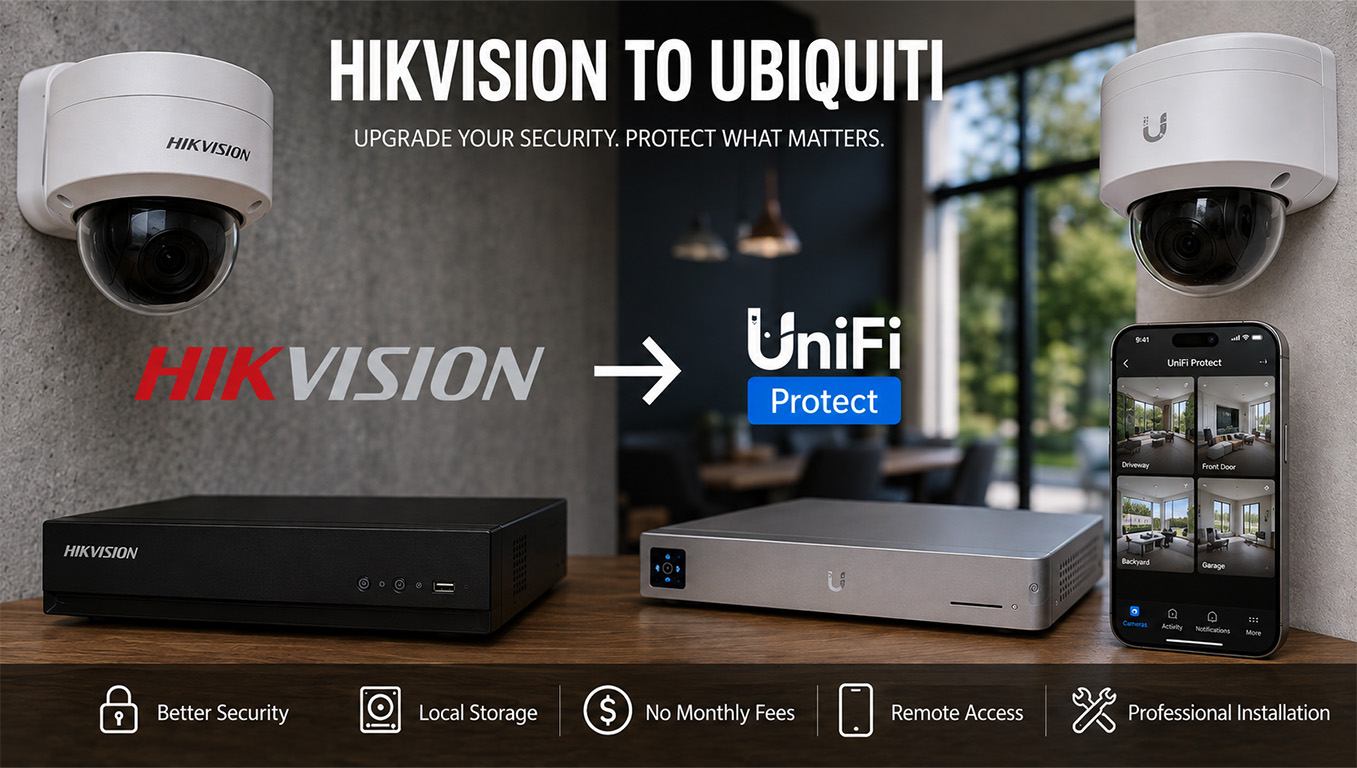
At SurfNet IT & Network Solutions, we believe this is a good time for homeowners and businesses with older Hikvision systems to consider upgrading to a modern Ubiquiti UniFi Protect camera system.
Why Is Hikvision Restricted in the United States?
The simple answer is security concerns.
Hikvision is a China-based manufacturer and one of the largest manufacturers of video surveillance equipment in the world. U.S. government agencies have raised national-security concerns involving certain telecommunications and video surveillance equipment manufactured by Hikvision and other companies.
Those concerns eventually resulted in federal restrictions and Hikvision equipment being included on the FCC’s Covered List of communications equipment and services considered to pose an unacceptable risk to U.S. national security or the security and safety of U.S. persons.
For homeowners and small-business owners, you don’t need to understand pages of federal regulations to understand why this matters.
Your security cameras are connected to your network.
And today’s security cameras are essentially small computers with cameras attached to them.
Your Security Cameras Are Connected to More Than You May Realize
Modern security cameras can communicate with your network, recorder, mobile applications, remote-access services, and the internet.
Think about what those cameras may see every day.
When you leave your house.
When you come home.
Which vehicles are in your driveway.
Who enters your property.
When your business opens and closes.
Where entrances and exits are located.
And with some systems, cameras may also have microphones capable of recording audio.
That’s a tremendous amount of potentially sensitive information.
It’s one reason SurfNet believes choosing a security-camera system should involve more than comparing megapixels, prices, and how many cameras come in the box.
The security of the camera system itself matters too.
Are Hikvision Cameras Illegal to Own?
No.
This is an important distinction because you may have seen headlines or online discussions saying that Hikvision cameras are “banned in the United States.”
For the typical homeowner who already has Hikvision cameras installed, that does not mean you have to immediately remove them from your house.
The restrictions involve specific federal uses, procurement, authorization, importation, marketing, and other circumstances surrounding covered Hikvision equipment.
So there’s no reason for homeowners with an existing system to panic.
However, if your Hikvision system is getting older, cameras are beginning to fail, the recorder needs replacement, or you’re considering spending additional money expanding the system, we think it makes sense to consider moving to a different platform rather than continuing to invest in Hikvision.
What Does SurfNet Recommend Instead of Hikvision?
For many residential and commercial security-camera installations, SurfNet recommends Ubiquiti UniFi Protect.
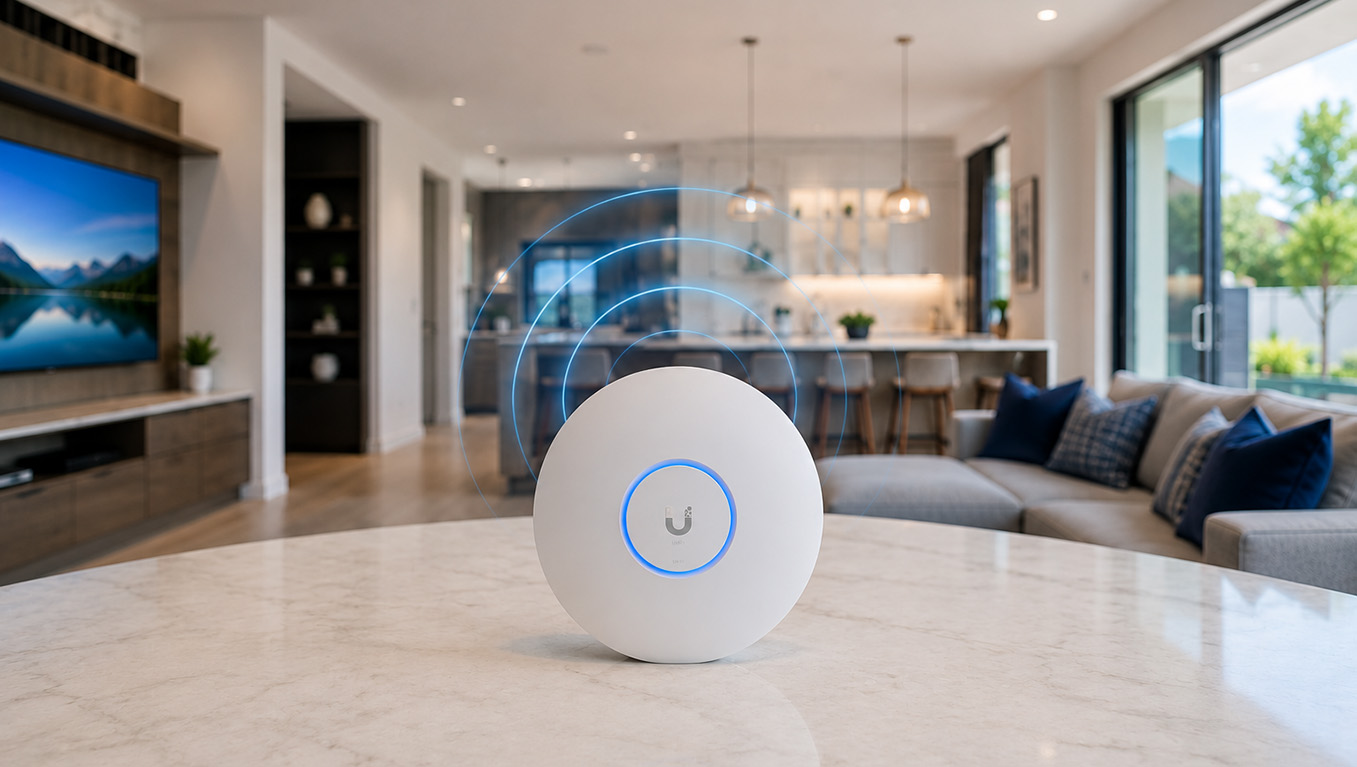
Ubiquiti has created an ecosystem that allows cameras, video recording, network switches, gateways, WiFi access points, and other networking equipment to work together as part of one professionally designed network.
For the homeowner, however, the important part is much simpler:
It’s easy to use.
Open the UniFi Protect app and you can quickly view your cameras, look through recorded footage, receive notifications, and check on your property remotely.
You don’t need to understand networking to use your camera system.
We take care of the complicated part.
Why We Like Ubiquiti UniFi Protect
There are several reasons we recommend UniFi Protect when replacing older Hikvision systems.
Local Video Recording
Your security footage can be recorded locally to a UniFi console or Network Video Recorder located at your property.
You still get convenient remote access to your cameras, but your primary video recordings can remain on equipment located inside your home or business.
No Traditional Per-Camera Cloud Recording Subscription Required
Many consumer camera companies increasingly rely on monthly cloud subscriptions to unlock features or store recordings.
UniFi Protect is designed around local recording, which can eliminate the need for the traditional monthly cloud-storage subscription associated with many consumer camera platforms.
Excellent Mobile App
A security-camera system isn’t very useful if finding a recording requires an instruction manual.
UniFi Protect makes it easy to view live cameras and go backward through recorded footage from your phone, tablet, or computer.
Professional Camera Options
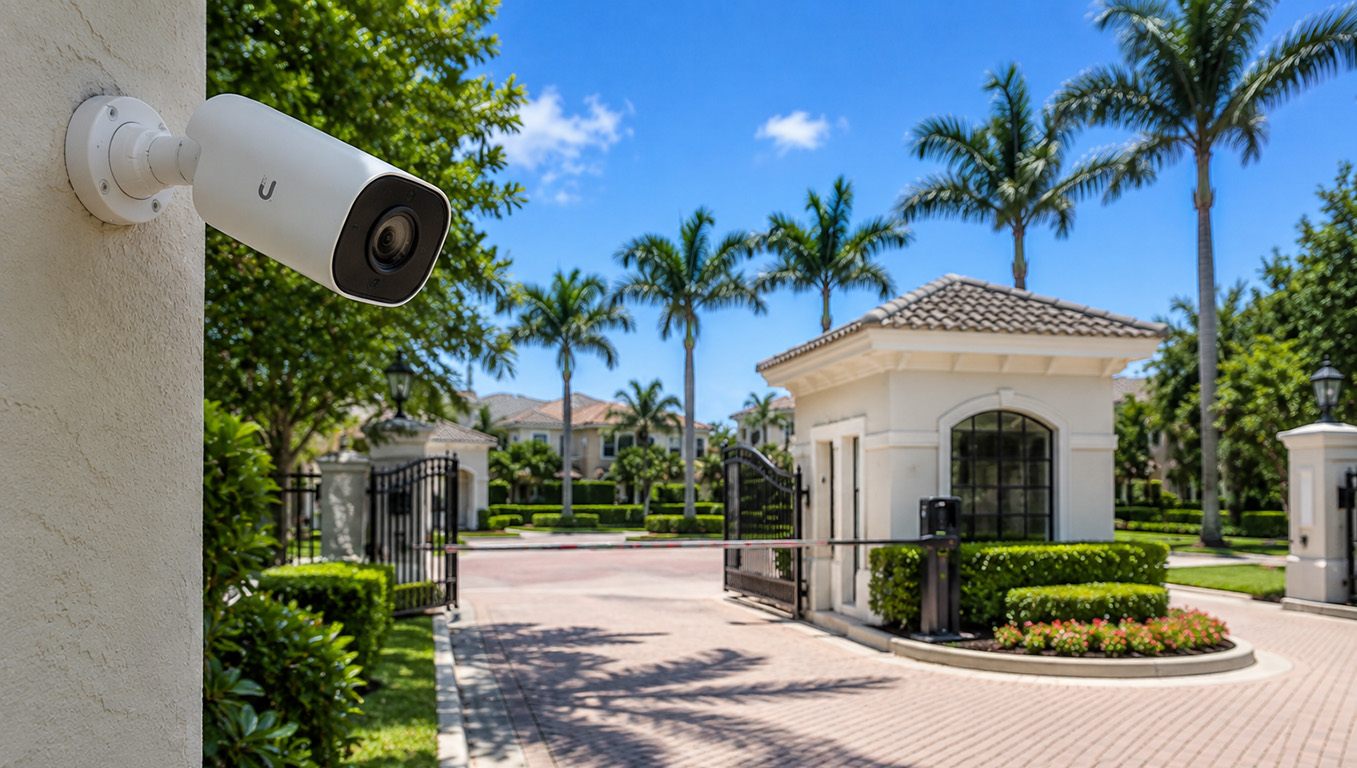
Ubiquiti offers different camera styles for different locations and applications, allowing SurfNet to choose cameras based on what you actually need to see rather than installing the same camera everywhere.
Part of Your Overall Network
Because SurfNet specializes in networking, WiFi, structured cabling, and security cameras, we can design the surveillance system as part of the property’s overall technology infrastructure.
That’s a major difference between having cameras installed and having a camera system professionally engineered.
Already Have Hikvision? We May Be Able to Use Your Existing Wiring
This is one of the first questions homeowners ask us:
“Are you going to have to run all new wires?”
Not necessarily.
Many professionally installed Hikvision IP camera systems already use Ethernet cabling running from each camera location back to a central equipment area.
If that cabling was installed correctly and is still in good condition, SurfNet may be able to reuse some or even all of it when installing a new Ubiquiti UniFi Protect system.
That can make a Hikvision camera replacement considerably easier than starting from scratch.
Before recommending a new system, we can inspect your existing cameras, wiring, recorder, network equipment and camera locations to determine what can stay and what should be replaced.
Don’t Know Whether You Have Hikvision Cameras? That’s Okay.
A lot of homeowners don’t.
You may have purchased a home with cameras already installed. A builder may have installed them years ago. A previous homeowner may have selected the system. Or an alarm or low-voltage company may have installed everything and never really explained what equipment was being used.
You don’t need to figure it out yourself.
SurfNet can look at the existing cameras and recording equipment and determine what type of system you currently have.
We can then tell you whether it makes sense to keep what you have, upgrade certain components, or replace the system altogether.
Replacing Your Cameras Is a Great Time to Fix the Network Behind Them
This is where SurfNet is different from many traditional camera installers.
We’re a networking company first.
We regularly find older camera systems connected to outdated switches, poorly terminated Ethernet cables, overloaded network equipment, messy wiring, improperly configured routers, or recorders that were simply placed in a closet years ago and forgotten about.
When we evaluate your existing Hikvision system, we can also evaluate the network supporting it.
That may include your:
- Ethernet cabling
- PoE network switches
- Router and firewall
- WiFi network
- Equipment rack
- Battery backup
- Internet connection
- Remote access
- Camera network security
- Network organization and labeling
The goal isn’t simply to replace one brand of camera with another.
It’s to give you a better security-camera system and a better network behind it.
Hikvision Replacement for Homes, Businesses, Condos and Communities
SurfNet can design and install Ubiquiti UniFi Protect systems for properties ranging from individual homes to larger commercial and multi-building environments.
We can help with:
- Homes and luxury residences
- Small businesses
- Professional offices
- Retail locations
- Condominiums
- HOAs and communities
- Apartment and multifamily properties
- Commercial buildings
- Warehouses and other facilities
Whether you’re replacing four cameras around a home or upgrading a much larger existing surveillance system, we’ll design the system around the property rather than trying to force every installation into the same package.
Should You Replace Your Hikvision Cameras?
If your existing Hikvision system is working perfectly, you don’t necessarily need to rush out and replace it tomorrow.
But if you’re already considering an upgrade, experiencing problems, replacing failed cameras, expanding the system, buying a new recorder, or investing more money into an aging Hikvision installation, now is a very good time to look at your alternatives.
Rather than continuing to invest in a surveillance platform facing significant U.S. government restrictions, SurfNet can help you move to a modern Ubiquiti UniFi Protect system.
And if your existing Ethernet cabling can be reused, the transition may be easier than you think.
Let SurfNet Evaluate Your Existing Hikvision Camera System
You don’t need to know your camera model numbers.
You don’t need to know what kind of Ethernet cable is in your walls.
And you definitely don’t need to figure out which cameras, recorder, switches, or networking equipment you should buy.
That’s our job.
SurfNet IT & Network Solutions can evaluate your existing Hikvision camera system, determine which parts of the existing installation can be reused, and design a Ubiquiti UniFi Protect system specifically for your property.
From cameras and recording equipment to Ethernet cabling, PoE switching, networking, WiFi, and remote access, we can handle the entire installation.
Ready to Replace Your Hikvision Cameras?
If you have Hikvision security cameras at your home or business and you’re considering an upgrade, contact SurfNet IT & Network Solutions today.
We’ll evaluate your existing system, explain your options in plain English, and help you determine whether replacing your Hikvision equipment with Ubiquiti UniFi Protect makes sense for your property.
Better cameras. Better networking. One professionally installed system.